

Seedream 5.0Seedream 5.0 Pro API is now live on fal
Seedream 5.0 Pro is a multimodal image model built for professional work: high-density infographics, interactive precision editing, photographic realism, and native multilingual text. Available now on fal.


Three Core Capabilities in One Model
Generate any image with editable layers
Seedream 5.0 Pro separates an image into independent, editable layers straight from a text prompt. It can break a full poster into 10+ layers (text, the main subject, background, and environmental details) and automatically inpaints whatever the subject was hiding. Every layer keeps its transparency, so you can drag, scale, or swap elements freely, even replacing the main subject, like turning a parrot into a peacock.
Generate natively in a dozen languages
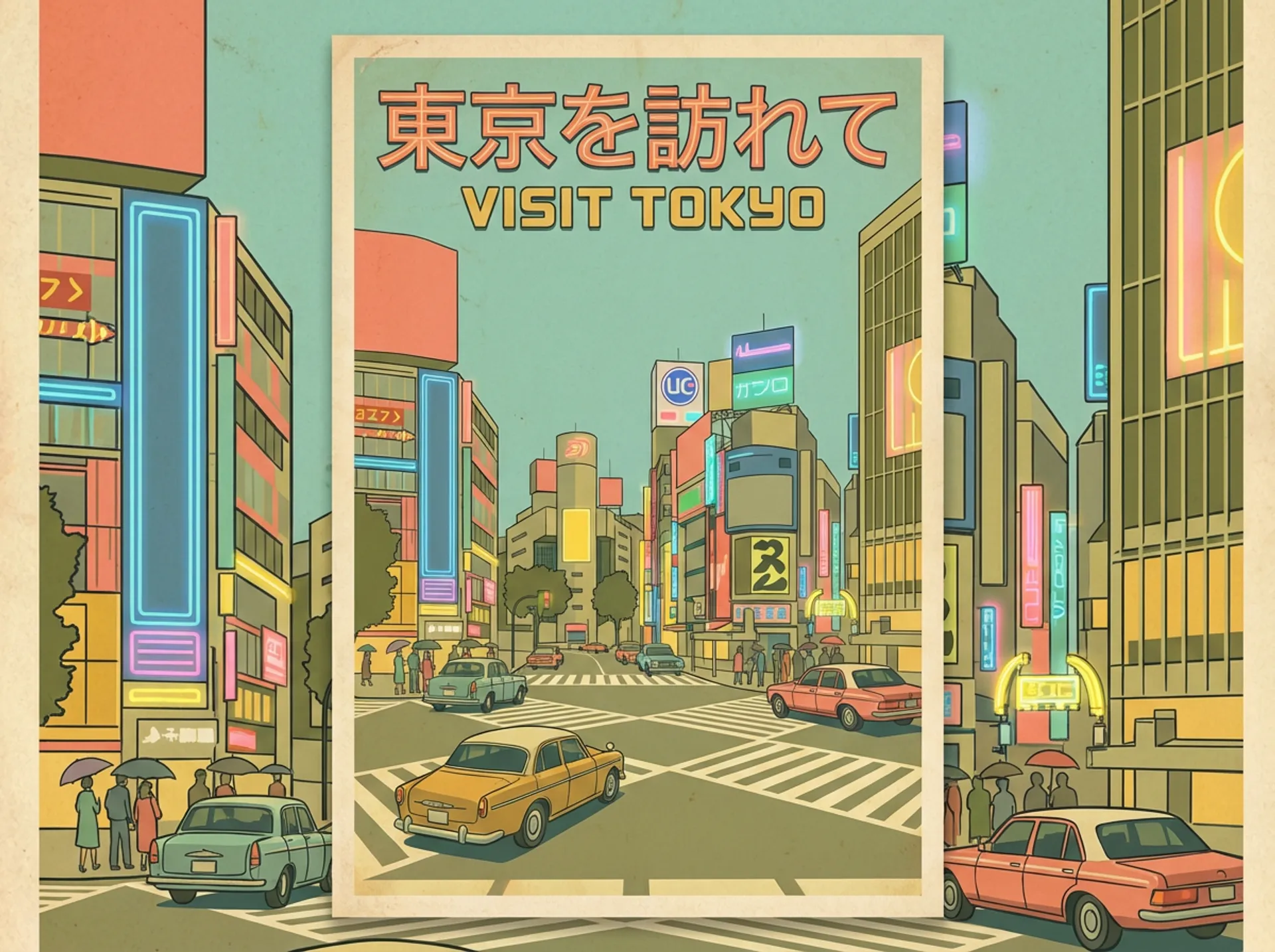
Seedream 5.0 Pro reads prompts and renders text directly in a dozen widely used languages. Beyond Chinese and English, that includes French, German, Russian, Japanese, Korean, Spanish, and Arabic. It goes past translation: architecture, facial features, and clothing all align with each language's cultural context, so the result feels native to that market.
Interactive precision editing via annotations
Seedream 5.0 Pro responds accurately to spatial annotations and sketch-based guidance: point selection, lasso selection, color editing, and material replacement. It turns abstract intent into high-fidelity visuals.


Start building with the Seedream 5.0 API
Generate images from text prompts or edit existing images with natural language instructions, both available via API.
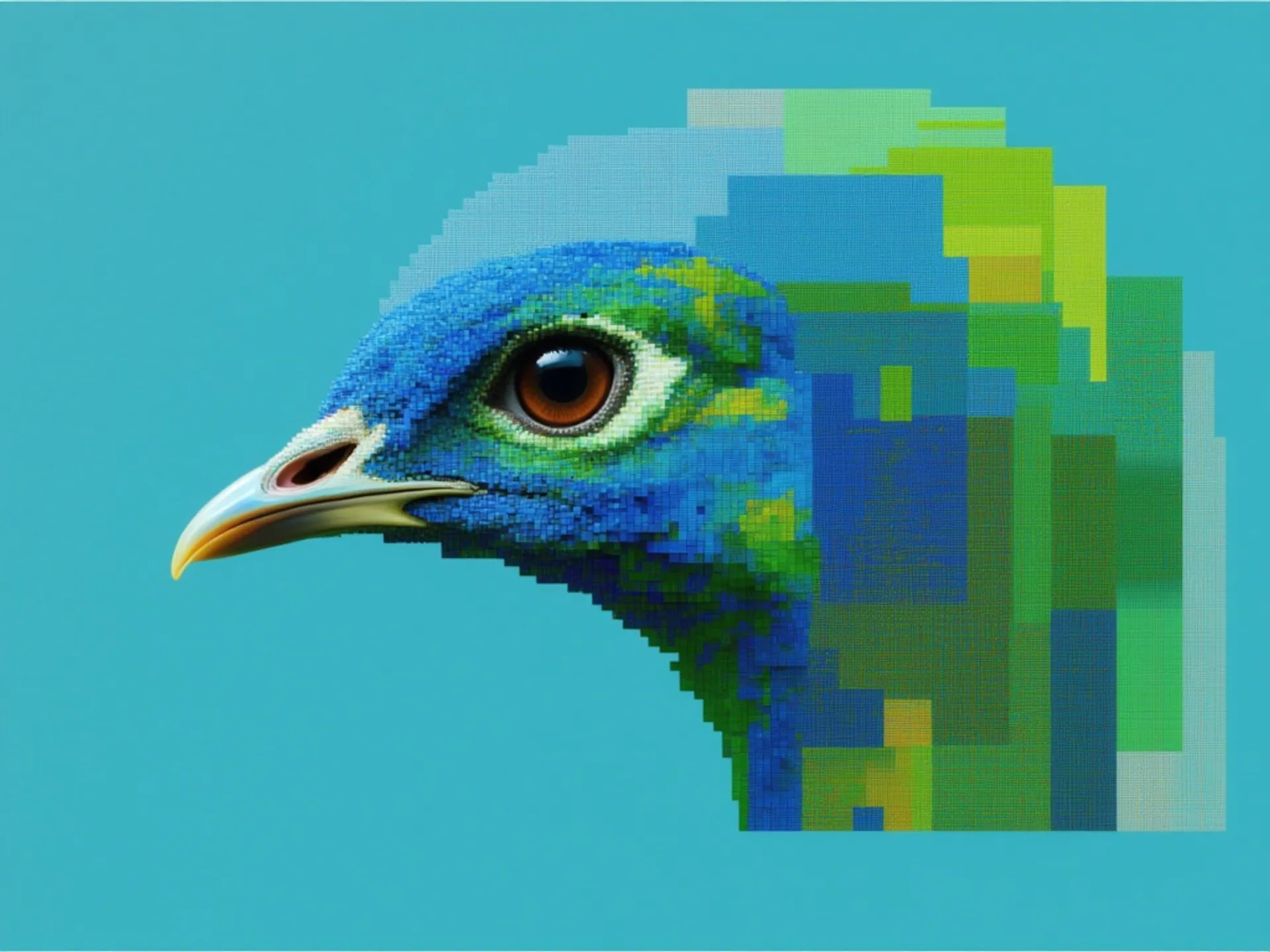
ByteDance's Seedream 5.0 Pro is flagship text-to-image model, with deep-thinking prompt understanding, native text in 14 languages, and precise control over dense layouts and structured designs.
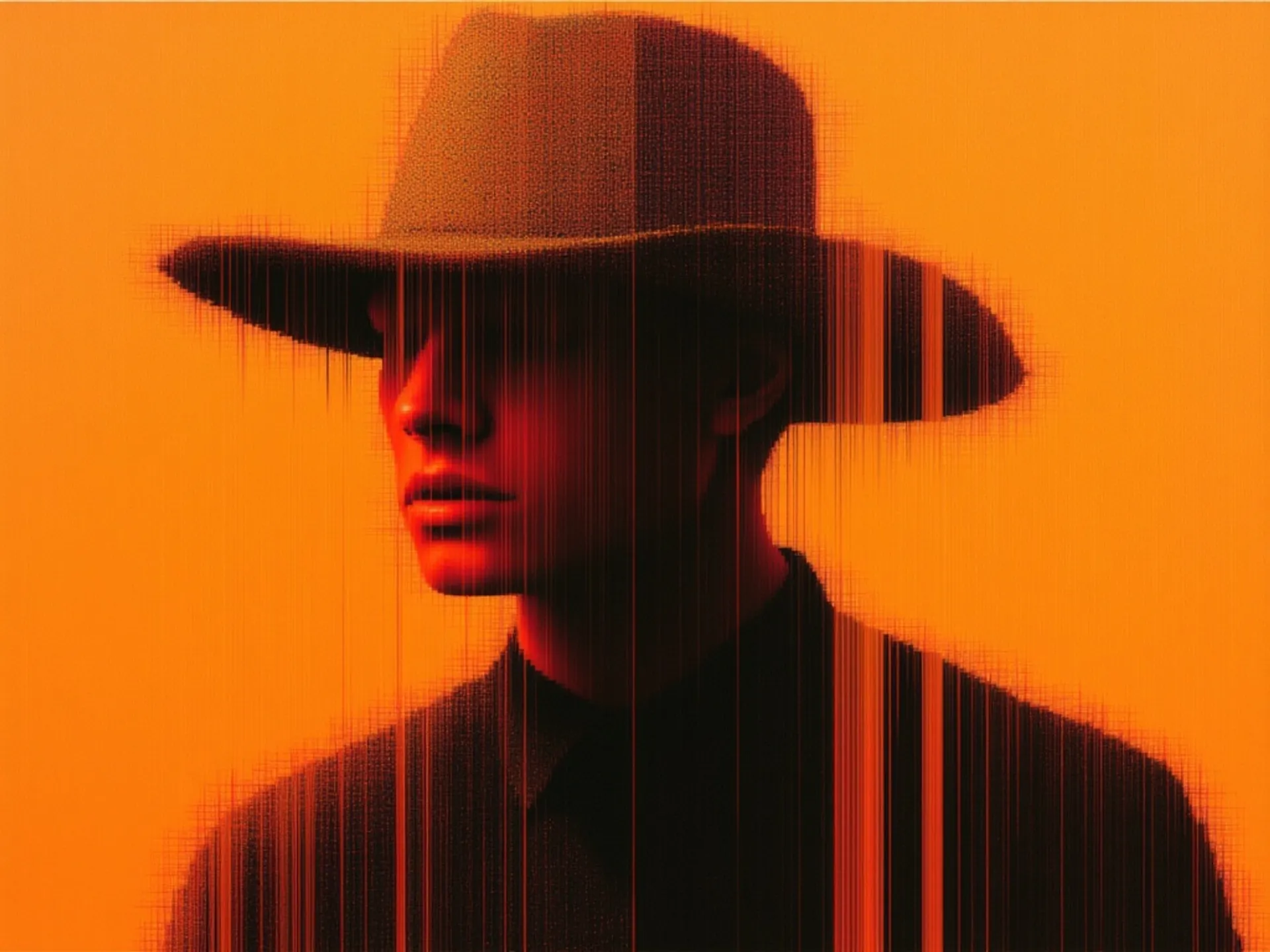


Seedream 5.0 Pro is grounded, region-precise image editing model that changes one element while keeping the rest of the frame intact with layer separation, sketch completion, and up to 10 reference images.

Text to Image endpoint for the fast Lite version of Seedream 5.0, supporting high quality intelligent text-to-image generation.

Image editing endpoint for the fast Lite version of Seedream 5.0, supporting high quality intelligent image editing with multiple inputs.
See what Seedream 5.0 can create
Example prompts showcasing Seedream 5.0's range, from photorealistic renders to technical blueprints.

Architectural visualization
"Wide realistic render, double-glass cliff villa on coastal rocks. Dark metal frames, wood terraces, stone base. Sunset gradient sky, layered sea reflections, multi-reflective glass, golden backlight. Low wide cinematic shot, muted realistic tones, rich material light layers."
Dark fantasy game art
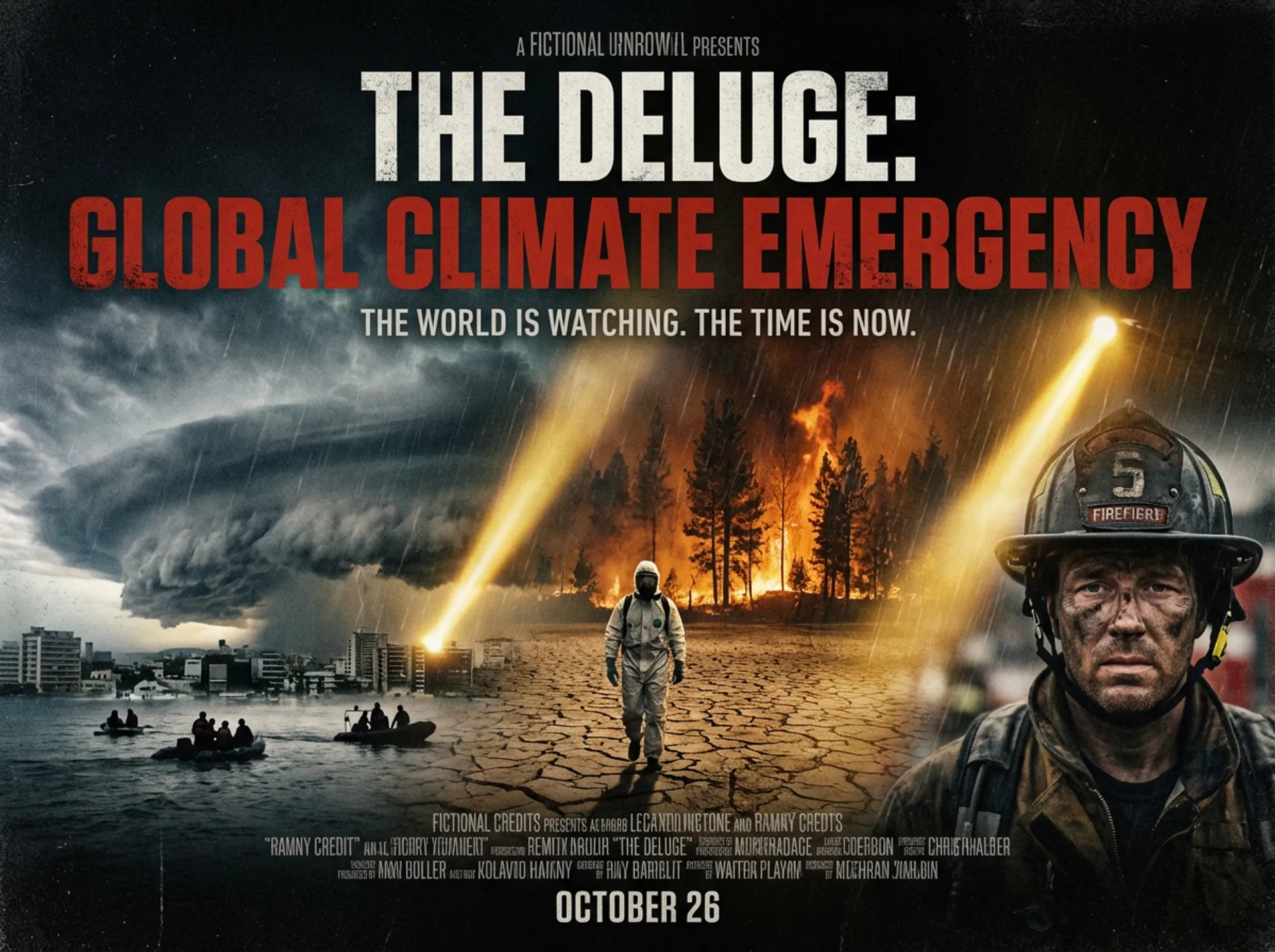
"3A dark fantasy air gameplay, third-person rear view. Mage in vintage leather robe fights sky beasts on magic broom with purple spells. Hardcore combat UI, US realistic art, layered cloud light, intense fast air battles."
Playful 3D render
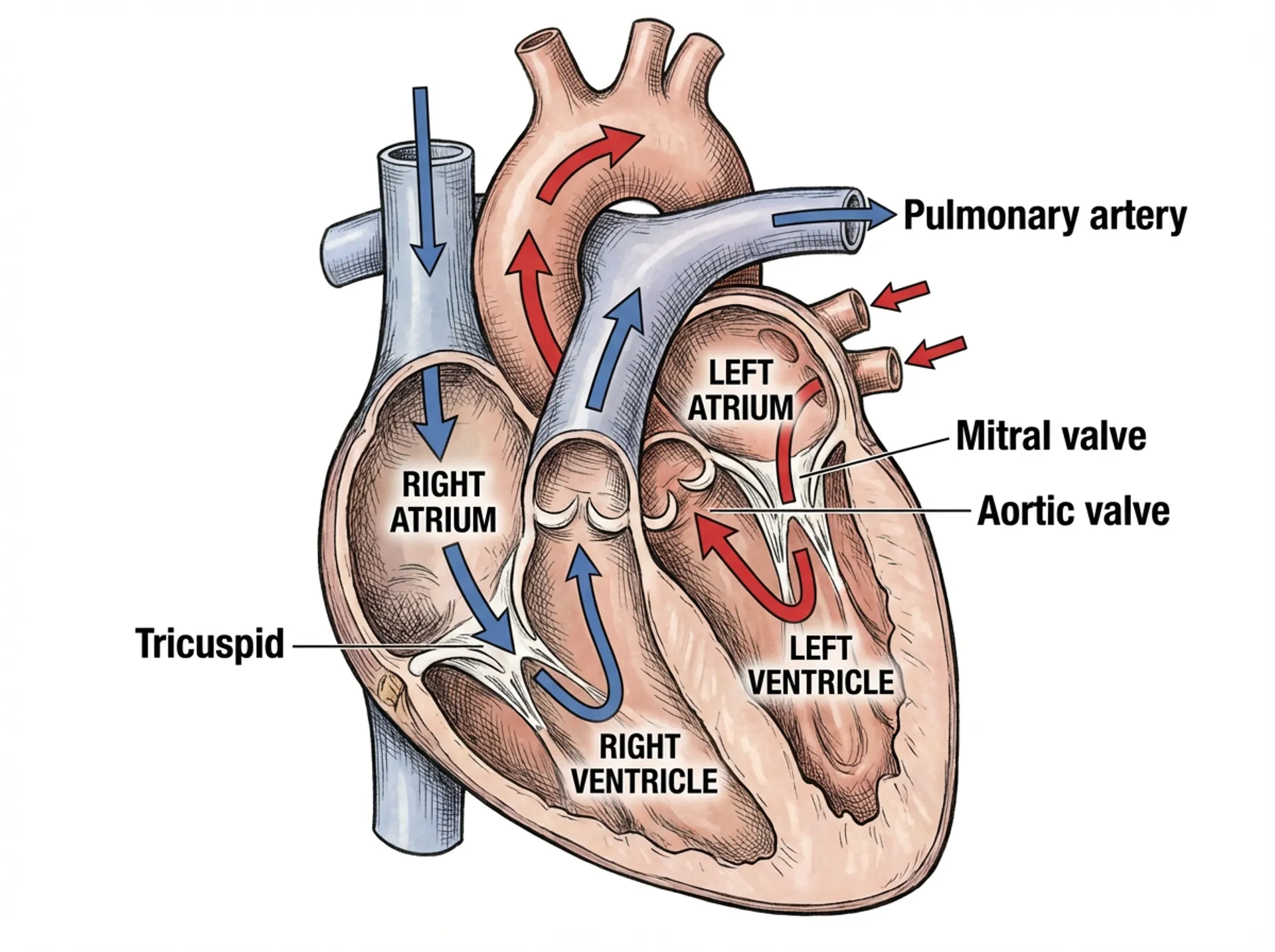
"A surreal neon-lit interior room designed like a playful product showcase for Seedream 5.0 Pro. Wide-angle cinematic view of a cozy modern lounge with deep blue walls, glowing LED strip lights along the floor and furniture, soft daylight pouring through tall sheer curtains on the left, and a large wall mirror with a purple neon frame on the right. A giant blue furry cat head fills the back wall, winking and staring at a floating transparent soap bubble with colorful indoor reflections. In the center, stacked toy-like building blocks form a small platform with colorful 3D letters spelling “Seedream 5.0 Pro.” A rounded glossy blue coffee table sits in the foreground on a geometric rug. Add a green armchair with a grass-green blanket draped over it, a warm beige wool ball on the floor, scattered abstract foam blocks, and a glowing neon sign reading “Interactive Editing” on the back wall. High-detail realistic 3D render, whimsical product demo atmosphere, rich blue and purple lighting, soft reflections, playful surreal composition, cinematic wide shot."
Technical blueprint
"A technical drawing of a futuristic sports car in blueprint style. Include line drawings of the sports car from the front, side, and rear views, exploded parts sketches, parts assembly diagrams, and structural diagrams of disassembled components. Use abundant lines and measurement values to indicate the dimensions of each part, with grayscale tones expressing the overall sketch relationship. In addition to the main design, also show scattered thumbnails from different angles."
Two tiers, one API
Seedream 5.0 ships in two tiers on fal. Pro is the flagship for production-grade quality; Lite is tuned for fast, cost-efficient generation. Both share the same API.


How to access the Seedream 5.0 API
The client API handles the request submit protocol. It will handle the request status updates and return the result when the request is completed.
import { fal } from "@fal-ai/client";

const result = await fal.subscribe("bytedance/seedream/v5/pro/text-to-image", {
  input: {
    prompt: "A vintage travel poster for Tokyo featuring the Shibuya crossing at night, Japanese text reading 'Visit Tokyo'",
    image_size: "auto_2K",
    num_images: 1,
  },
  logs: true,
  onQueueUpdate: (update) => {
    if (update.status === "IN_PROGRESS") {
      update.logs.map((log) => log.message).forEach(console.log);
    }
  },
});

console.log(result.data);
console.log(result.requestId);

Common questions about Seedream 5.0
What is Seedream 5.0?
Seedream 5.0 Pro is a multimodal image generation model built for professional production. It brings four core strengths: high-density infographics, interactive precision editing, photographic realism, and native multilingual generation. It produces production-ready images with accurate text rendering across a dozen languages.
Can Seedream 5.0 Pro generate infographics and text-heavy layouts?
Yes. It parses your intent, plans the layout, and outputs high-density infographics (timelines, bar and line charts, diagrams, posters, and UI mockups) with dense text rendered accurately and a clear information hierarchy, ready for professional use.
What kind of editing does Seedream 5.0 Pro support?
Interactive precision editing grounded in spatial understanding. Use point, lasso, or box selection and sketch guidance to add, remove, recolor, or swap the material of specific regions; separate an image into 10+ editable layers; or fuse multiple reference images into one scene. Edited areas blend naturally into the surrounding lighting and perspective.
How realistic is the output, and what resolution does it support?
Seedream 5.0 Pro reconstructs real-world lighting, materials, and skin texture for photographic realism, and generates at resolutions up to 2048x2048. Text stays clean and legible in posters, labels, and infographics.
Which languages can Seedream 5.0 Pro handle?
Beyond Chinese and English, it natively supports direct input and high-quality text rendering in over ten widely used languages, including French, German, Russian, Japanese, Korean, Spanish, and Arabic. It adapts typography to each, from right-to-left Arabic to Spanish accent marks.
How do I get started with Seedream 5.0?
Seedream 5.0 is available now on fal.ai. Try it in the playground or integrate it via the fal.ai API with the Python and JavaScript SDKs. Install the SDK, grab an API key from your dashboard, and make your first request in a few lines of code.
How do I use Seedream 5.0 via API?
Call it through the fal.ai serverless API, with no GPUs or infrastructure to manage. Pro lives at bytedance/seedream/v5/pro/text-to-image and bytedance/seedream/v5/pro/edit; Lite at fal-ai/bytedance/seedream/v5/lite/text-to-image and fal-ai/bytedance/seedream/v5/lite/edit. Use the JavaScript (@fal-ai/client) or Python (fal_client) SDK: add your API key, submit a prompt, and the client handles the request queue and returns the result. You can also call the REST API directly.
Can I use Seedream 5.0 for commercial projects?
Yes. Images generated through the fal.ai API can be used in commercial projects. Check fal.ai's terms of service for full details on usage rights and licensing.

Get in touch about Seedream 5.0
Want to learn more about integrating Seedream 5.0 into your workflow? Leave your details and our team will reach out.